Drawing & photography
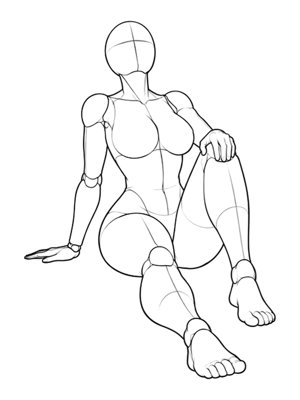
Study gesture, proportion and perspective through five viewpoints of a pose, or find inspiration for portrait and fashion photography.
Explore drawing posesPosevio · AI reference studio
Find free human pose reference images, outfit ideas and fictional AI face references for drawing, photography and AI art. Explore multiple angles, copy bilingual prompts and create looks in the virtual try-on studio.
Explore multi-angle pose references, with bilingual prompts for image creation.
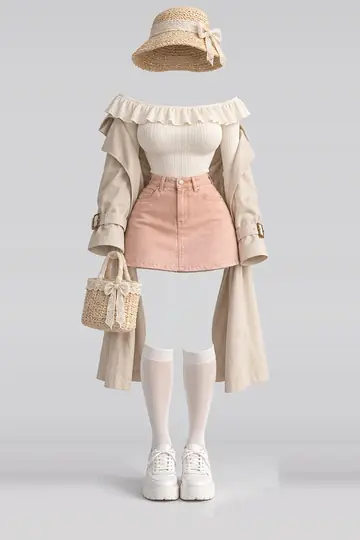
Browse galleryExplore outfit references by season, garment and color, with bilingual prompts.
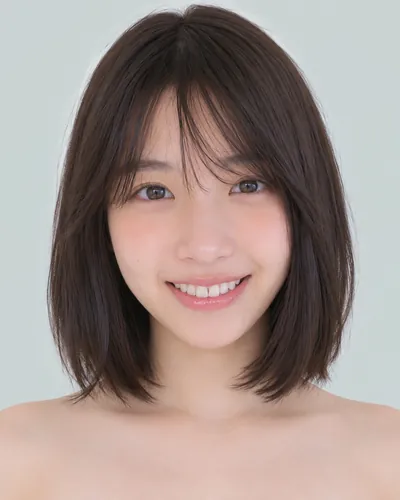
Browse galleryExplore fictional AI portrait references by face, styling and hairstyle.
Browse galleryStudy gesture, proportion and perspective through five viewpoints of a pose, or find inspiration for portrait and fashion photography.
Explore drawing posesExplore seasonal looks, materials, color combinations and garment silhouettes to develop fashion illustrations and fictional characters.
Browse outfit referencesPick a face and hairstyle for a fictional character. Combine portrait, outfit, pose and prompt references to guide an AI image-creation workflow.
Browse AI face referencesBrowse by category or keyword, then inspect full-size images and available viewing angles.
Combine a person, outfit and pose, save favorites, and copy prompts in Chinese or English.
Select references or upload your own photo in the fitting studio, set the aspect ratio and style, and generate with a supported image model.
Use your own photo or a fictional portrait, select an outfit and pose, and explore new fashion looks. Learn how to prepare reference images, prompts and model settings.
Browsing, viewing details, saving favorites and copying prompts require no API key. Image generation uses your own OpenAI, Gemini or Seedream API key, with fees charged by the provider.
Copy a Chinese or English prompt from a reference detail, or combine multiple references and copy the full prompt into your preferred AI image tool.
Images come directly from AI Pose Gallery, AI Costume Gallery and AI Portrait Gallery. Each reference links to its original source. Please follow the respective source licenses.
Yes. Upload a person photo in the studio, select outfit and pose references, and generate using your configured model. Favorites, recent items, compositions and generation history are saved in your browser.
Filter the pose gallery for sitting, standing, kneeling or upper-body poses, then open a reference to compare available front, side, three-quarter, high and low views.
Posevio uses reference images and prompts to create a visual preview for exploring style, color and overall appearance. Check actual garment measurements and fit with the retailer or physical item.